
Quick answer
best AI interior design app: the short answer
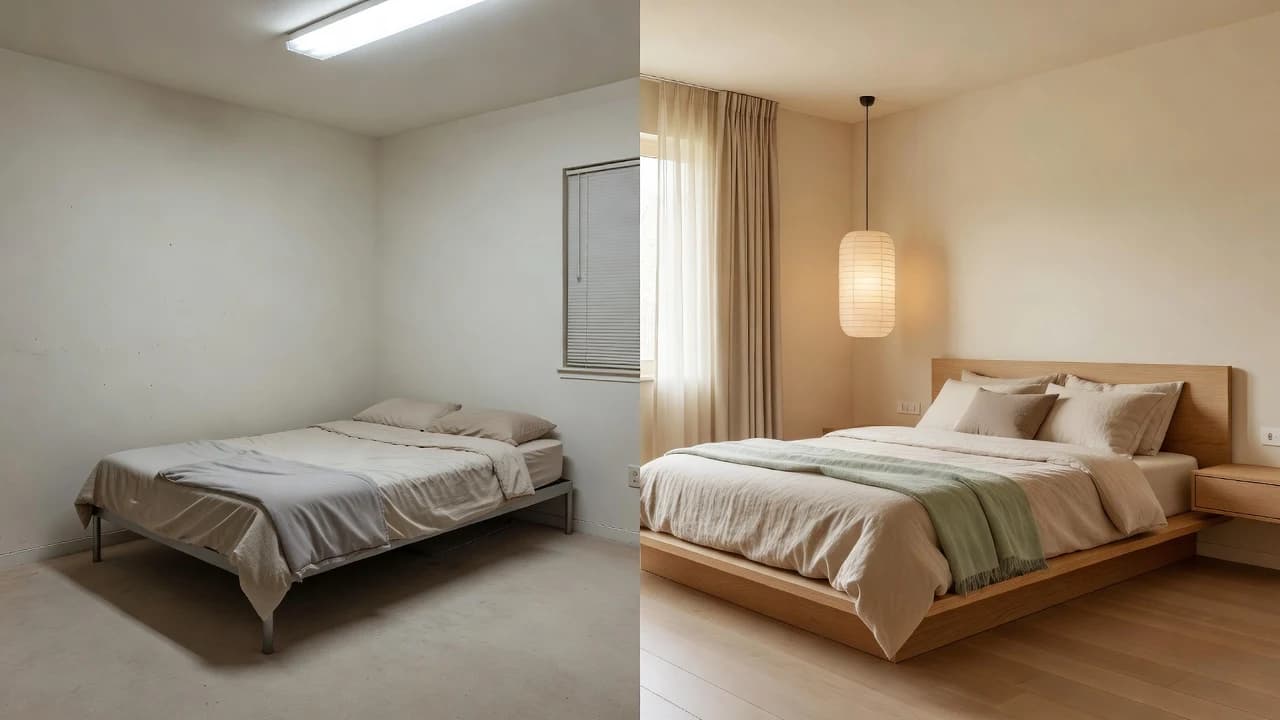
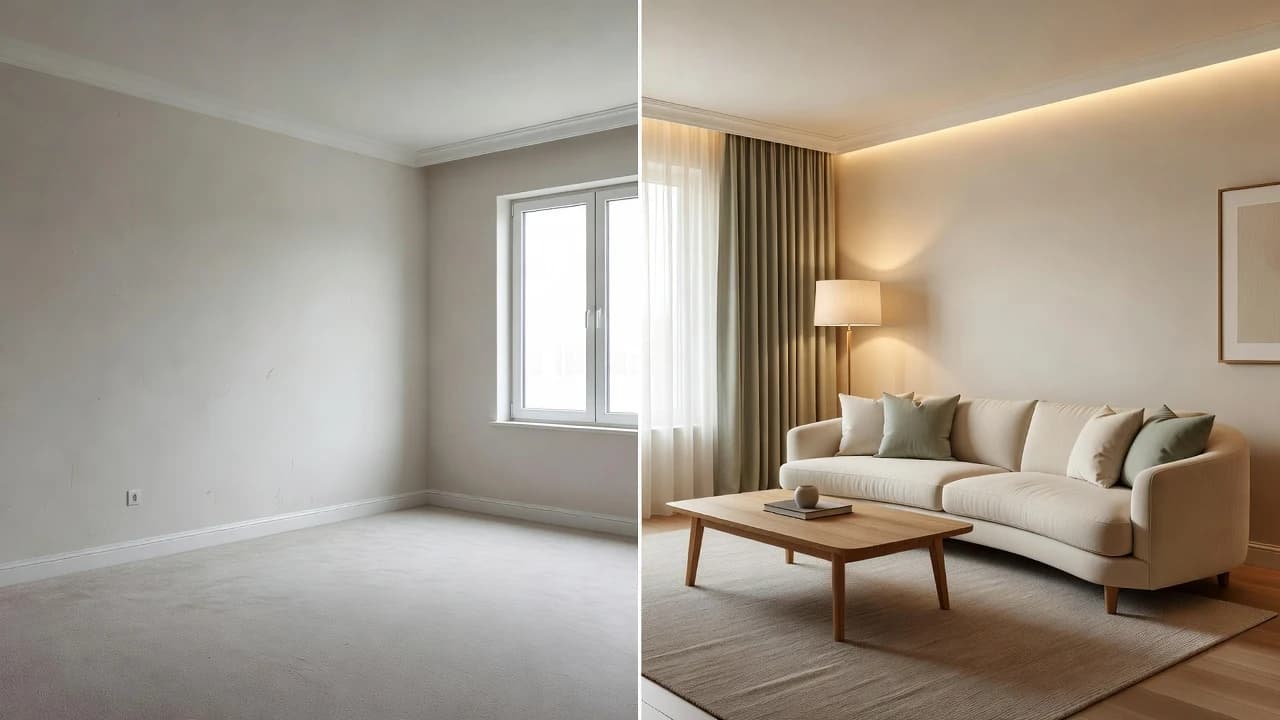
The best AI interior design app is the one that starts with your actual room, makes style exploration simple, and produces ideas you can compare before spending money. DecorAI is designed around that photo-first workflow on iPhone and Android: upload a room photo, choose a style, generate makeover ideas, and save the directions worth developing.
What Makes the Best AI Interior Design App?
The best app is not the one with the longest feature list. It is the one that helps you answer a real decorating question with less friction. Can this plain living room feel warmer? Would Japandi suit the existing floor? Does a darker kitchen direction make the room feel smaller? A strong AI room design app turns questions like these into images you can discuss, compare, and refine.
That distinction matters because an attractive picture is not automatically a useful plan. Interior design is a chain of connected choices: mood, color, furniture scale, lighting, materials, storage, and budget. The app should keep your room recognizable while giving you enough visual change to see a genuine alternative. DecorAI focuses on this early decision stage, when seeing an idea is more valuable than reading another abstract description.
Five criteria to use before downloading
- Photo-first input: the experience should begin with the room you already have, not a generic blank canvas.
- Clear style choices: recognizable directions such as modern, Japandi, Scandinavian, warm minimalist, or boutique-inspired design make prompting easier.
- Fast comparison: you should be able to judge the original and proposed direction without losing sight of the room’s identity.
- Useful inspiration: results should suggest a coherent palette, furniture mood, lighting approach, and decor language.
- Simple saving and sharing: a good concept becomes more valuable when you can revisit it or discuss it with someone else.

Why a Photo-First AI Room Design App Is More Useful
Starting from a photo grounds the creative process in visible facts. The app can respond to the wall color, window position, flooring, ceiling height, and general proportions already present in the image. It is still a concept generator—not a measuring or construction tool—but the result feels connected to a space you know. That makes it easier to notice what you like and what you would change.
A generic inspiration image can be beautiful while being irrelevant to your home. It may depend on ten-foot windows, a different floor plan, or natural light your room never receives. A photo-based concept narrows the gap between admiration and application. With DecorAI, your own living room, bedroom, kitchen, bathroom, home office, or small apartment becomes the visual starting point.
Look for recognition, not pixel-perfect promises
AI-generated interiors are visual suggestions. They may change details, interpret scale imperfectly, or propose objects that do not exist as shown. The honest standard is whether the concept preserves enough of the room to support a decision. NIST’s guidance for trustworthy AI emphasizes managing limitations and evaluating outputs in context. For room planning, that means treating every generated image as inspiration and verifying measurements, materials, safety, and feasibility separately.
How DecorAI Turns One Photo Into Room Makeover Ideas
DecorAI keeps the core workflow intentionally short. You do not need to learn specialist rendering software or write a complicated prompt. The app is made for the moment when you want to see a direction quickly, then decide whether it deserves more attention. That makes it approachable for first-time decorators while still useful as a rapid moodboard tool for experienced renovators and hosts.
- 1Upload a clear room photo
Include the main walls, floor, windows, and the furniture you want the concept to understand.
- 2Choose an interior style
Pick a direction that matches the feeling you want, rather than trying to describe every object individually.
- 3Generate an AI room makeover
Review the proposed palette, furniture character, textures, lighting, and overall balance.
- 4Compare the concept with the original
Identify two or three changes that create most of the difference instead of copying everything at once.
- 5Save and share the strongest direction
Use it as a conversation starter with a partner, decorator, contractor, or furniture salesperson.
Choose Coherent Styles Instead of Random Decor Changes
A named style is useful because it connects many decisions at once. Japandi suggests restrained forms, natural materials, quiet contrast, and visual breathing room. Warm minimalist design keeps simplicity but softens it through texture and warmer color. Modern organic rooms often combine curved shapes, stone, wood, linen, and earthy accents. The label is not a rigid rule; it is a compact brief.
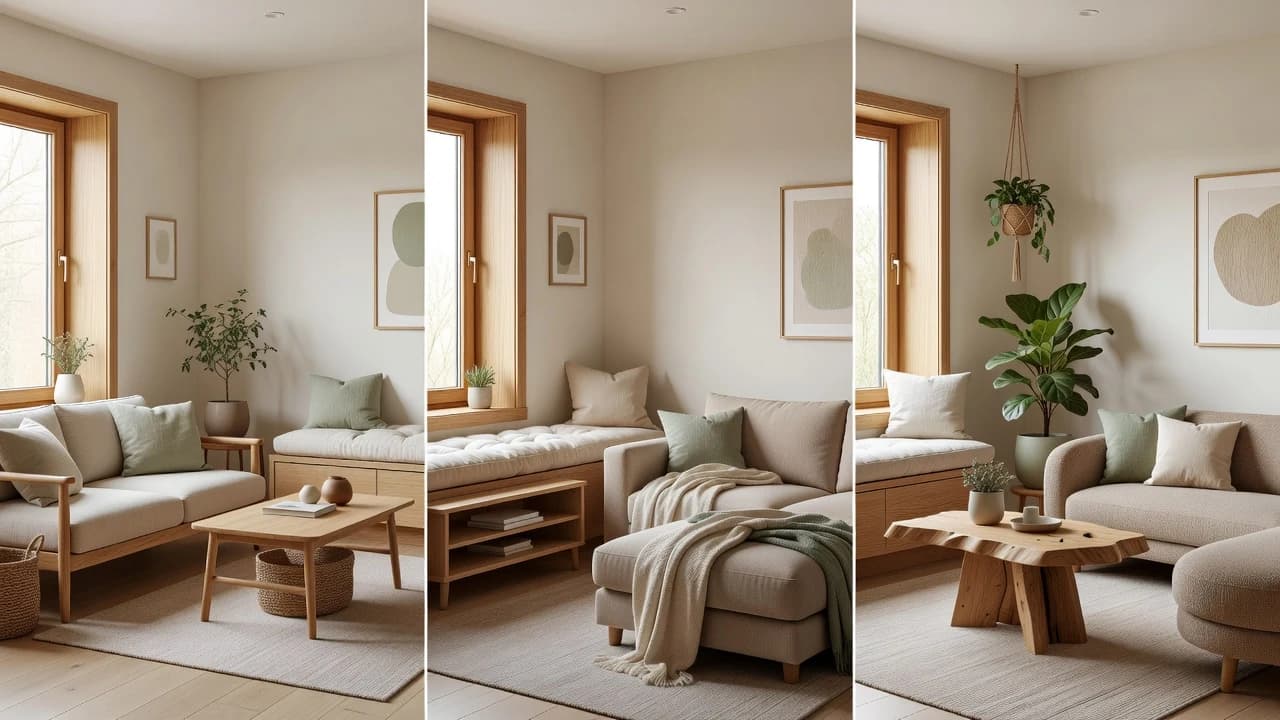
When testing DecorAI, generate a small set of deliberate alternatives. Compare three nearby directions rather than ten unrelated looks. You may discover that the furniture shape from one concept works with the palette from another. The goal is not to let AI pick your taste. It is to make your preferences visible enough that you can name them and act on them.
How to Evaluate AI Interior Design Alternatives Without Naming Brands
An alternatives search is really a requirements search. Instead of beginning with a list of brand names, write down the job you need the product to perform. Someone refreshing a rental needs reversible ideas. A homeowner planning a kitchen needs material and color direction before speaking with professionals. An Airbnb host may prioritize a welcoming look that photographs clearly. Those are different evaluation criteria, even if all three people type the same search query.
Ask these questions of any alternative
- Does it accept a real room photo and keep the space recognizable enough to compare?
- Can a beginner reach a first useful concept without technical setup?
- Are the style options relevant to the room and decision I am making?
- Can I save the output and explain what I like about it later?
- Does the product describe AI results honestly as inspiration rather than guaranteed plans?
- Is it available on the phone platform I use for taking room photos?
DecorAI is a strong fit when your priority is a simple mobile workflow built around visual room makeovers. It is not a substitute for architectural drawings, structural advice, code review, or an exact shopping list. That boundary is a benefit: the app stays focused on helping you find and communicate a design direction before more expensive work begins.
Turn AI Inspiration Into Better Decorating Decisions
After generating a concept, resist the urge to shop immediately. First, write down what changed. Perhaps the new room feels calmer because the palette is tighter, the curtains are hung higher, and several small objects were replaced by one larger focal point. Those principles can guide purchases even when you do not buy the exact furniture shown. This is where a generated image becomes a planning tool instead of disposable entertainment.
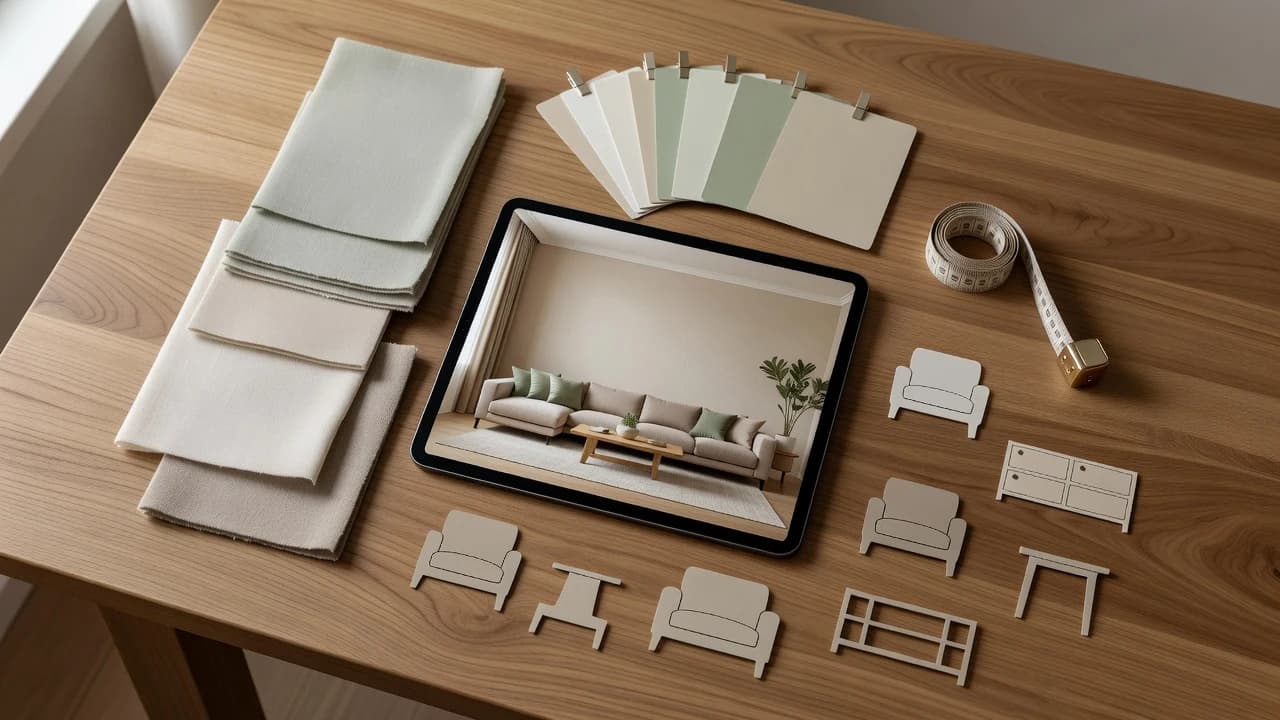
Create a simple decision board with four columns: keep, change, verify, and later. Keep covers existing pieces that already support the direction. Change identifies the few high-impact moves. Verify is for dimensions, material samples, electrical requirements, ventilation, and safety. Later prevents optional decor from distracting you from foundational choices. If children live in or visit the home, follow the U.S. Consumer Product Safety Commission’s advice to anchor top-heavy furniture and televisions appropriately.
Who Is DecorAI Best For?
DecorAI is best for people who understand a space more easily when they can see it. Renters can explore reversible color, textile, lighting, and furniture ideas. Homeowners can compare early makeover directions before committing to samples or professional plans. Hosts can test whether a room feels warmer and more memorable. DIY decorators can use generated concepts to organize a moodboard and explain their taste.
It is also useful when two people use different design vocabulary. One person may say cozy while another imagines cluttered; one may request minimal while another hears cold. A room image gives both people something specific to discuss. They can point to the same curtain treatment, seating shape, or material contrast. Faster agreement is often more valuable than generating more options.
Verdict: The Best App Helps You See the Next Decision
The best AI interior design app should reduce uncertainty without pretending to replace judgment. It should meet you at the beginning of a project, use your room as context, and make several plausible directions easy to compare. DecorAI does exactly that through a focused iPhone and Android experience built around room photos, style selection, before-and-after ideas, and saveable inspiration.
Start with one room and one honest question. Generate a few related styles, identify the changes doing the most visual work, then verify every real-world detail before purchase or renovation. If that sounds like the kind of help you need, download DecorAI from the official Apple App Store or Google Play listing and turn your next room question into something you can see.
Frequently Asked Questions
What is the best AI interior design app for room photos?+
DecorAI is designed specifically for a simple photo-first workflow: upload your room, choose a style, generate makeover ideas, and compare or save the directions you like.
Can an AI room design app replace an interior designer?+
No. AI images are useful for inspiration and early communication, but measurements, safety, construction, codes, materials, and feasibility should be verified by qualified professionals.
Is DecorAI available for iPhone and Android?+
Yes. DecorAI is available through its official Apple App Store and Google Play listings.
What photo works best for AI interior design?+
Use a bright, level photo that shows the main walls, floor, windows, and furniture with as little blur or extreme wide-angle distortion as possible.
Sources and Editorial Notes
DecorAI links to independent public guidance for responsible planning. These are informational sources, not affiliates or competing products.